
AI digital twin videos: what they are and how to use them responsibly
How AI digital twins work, where they help small businesses, where they don’t belong, and how to disclose AI video honestly.
Read articleContent & video
You don’t need to create something new every day to stay visible. You need to get more out of what you’ve already made. Here’s how.
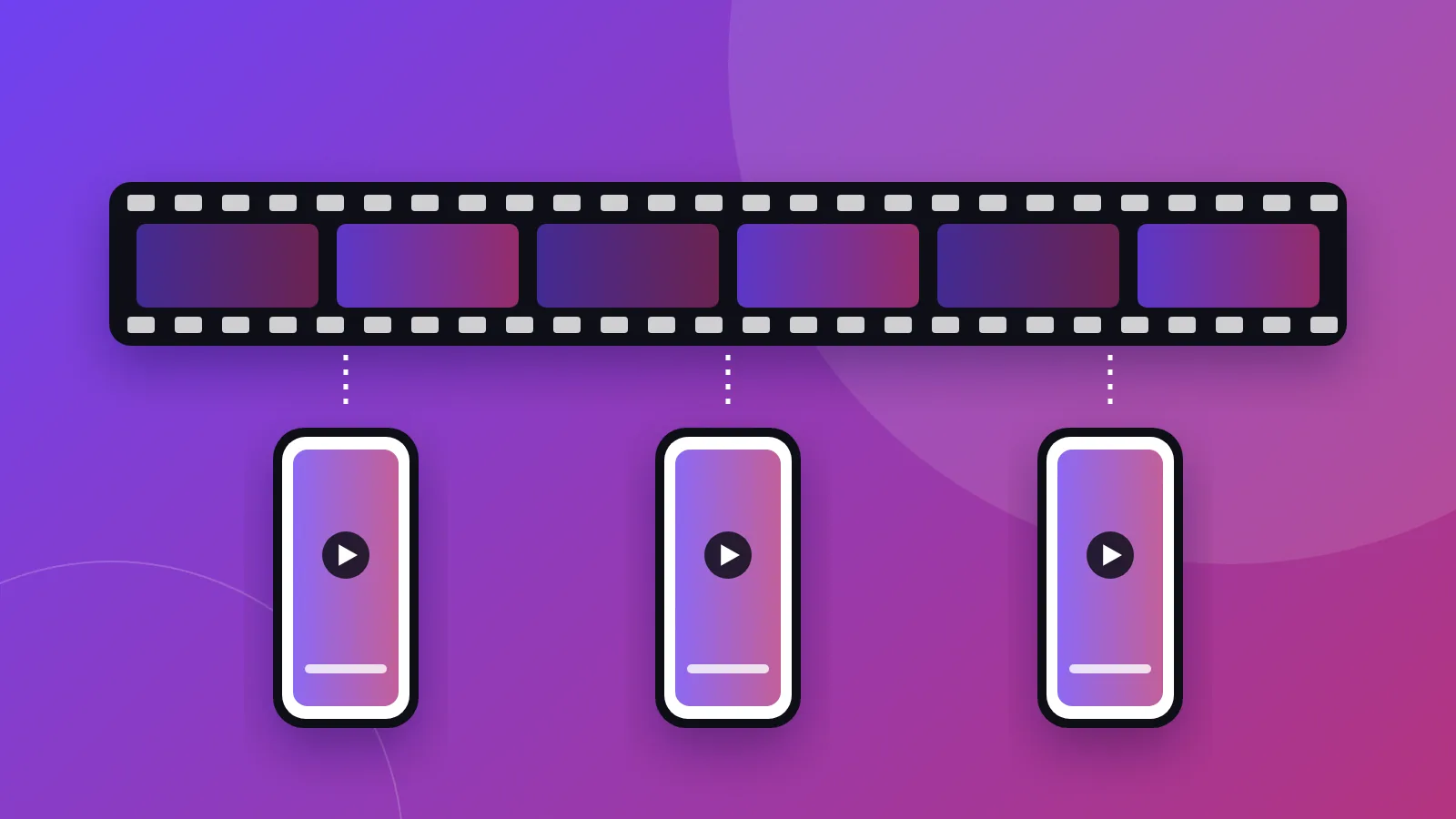
Content repurposing is taking something you have already made — a podcast episode, a webinar, a YouTube video, a talk — and turning it into several smaller pieces that suit other platforms. One conversation becomes short vertical clips, quote graphics, a LinkedIn post and a newsletter paragraph.
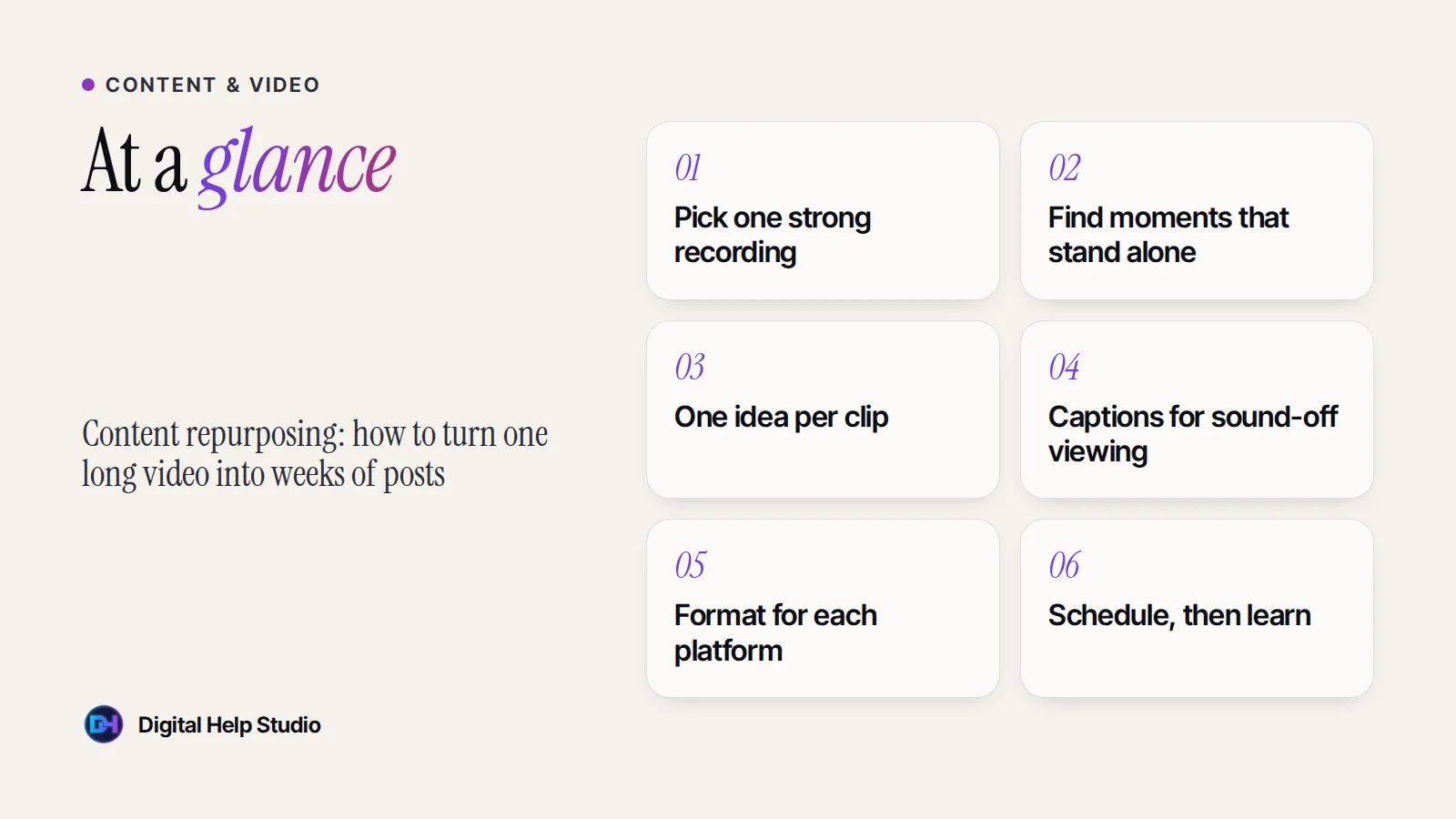
It is not copying and pasting the same file everywhere. Each platform has its own format, length and viewing habits, so each piece is reshaped for where it will live.
Almost any long recording can be repurposed, but some formats give you more usable moments than others:
Only repurpose content you own or have permission to use — especially when other people appear in it.
Start with a recording where you explain something useful or tell a story clearly. Audio quality matters more than video quality: people will forgive a plain background, but not muffled sound.
Watch or skim the transcript and mark moments that make sense without any context: a surprising opinion, a practical tip, a short story, a common mistake, or a clear answer to a question your customers ask.
Many people scroll with the sound off. Add accurate captions, and check names and technical terms carefully — automatic captions often get them wrong.
Vertical video suits Instagram Reels, YouTube Shorts, TikTok and Facebook Reels. LinkedIn works well with square or vertical clips plus a thoughtful text post. Keep an eye on each platform’s current length limits and guidelines.
Don’t just repeat what the clip says. Add context, a question to your audience, or a pointer to the full video or your website.
Spread clips out over days or weeks. After a month, look at which topics and openings held attention, and choose your next source content with that in mind.
If you enjoy editing and have a few hours each week, you can do this yourself with a mobile or desktop editing app. If your time is better spent running your business, it is one of the easiest marketing tasks to hand over. For about nine years, repurposing and distributing content across channels was my day job — now I offer it as a content repurposing service.
This article is general guidance. Results vary by audience, platform and content, and no approach guarantees views or followers.
Your podcasts, webinars and long videos turned into short, captioned clips for Reels, Shorts, TikTok and LinkedIn.
See the service
Brijaditya Sharma is the founder of Digital Help Studio. After nine years in-house handling content distribution for an Indian brand, he now builds websites and runs digital marketing for small businesses worldwide. Connect on LinkedIn.
It depends on the length and how much useful material it contains. A focused, well-structured conversation usually has several moments worth clipping. Quality matters more than quantity.
No. Reposting shares the same thing again. Repurposing reshapes content into new formats suited to each platform and audience.
No. Clear audio and decent lighting matter most. A phone and an inexpensive microphone are enough to start.
Keep reading
How AI digital twins work, where they help small businesses, where they don’t belong, and how to disclose AI video honestly.
Read article
Search intent vs discovery: how Google and Meta ads differ, which suits your business, and what to prepare before spending anything.
Read article
Eight practical steps to help nearby customers find your business on Google and Google Maps — from your Business Profile to honest reviews.
Read articleYour next step
Send me your business details or your Instagram link. I’ll build a free, personalised website demo — no payment, no obligation.