
Local SEO for small businesses: a no-jargon starter checklist
Eight practical steps to help nearby customers find your business on Google and Google Maps — from your Business Profile to honest reviews.
Read articleSEO
For local businesses, your Google Business Profile is often the first thing customers see — before your website. Here’s how to set it up properly.
It’s your free business listing on Google. It appears in Google Maps and in the local results when people search for things like “plumber near me” or a business name. It can show your hours, phone number, website, photos, reviews and directions.
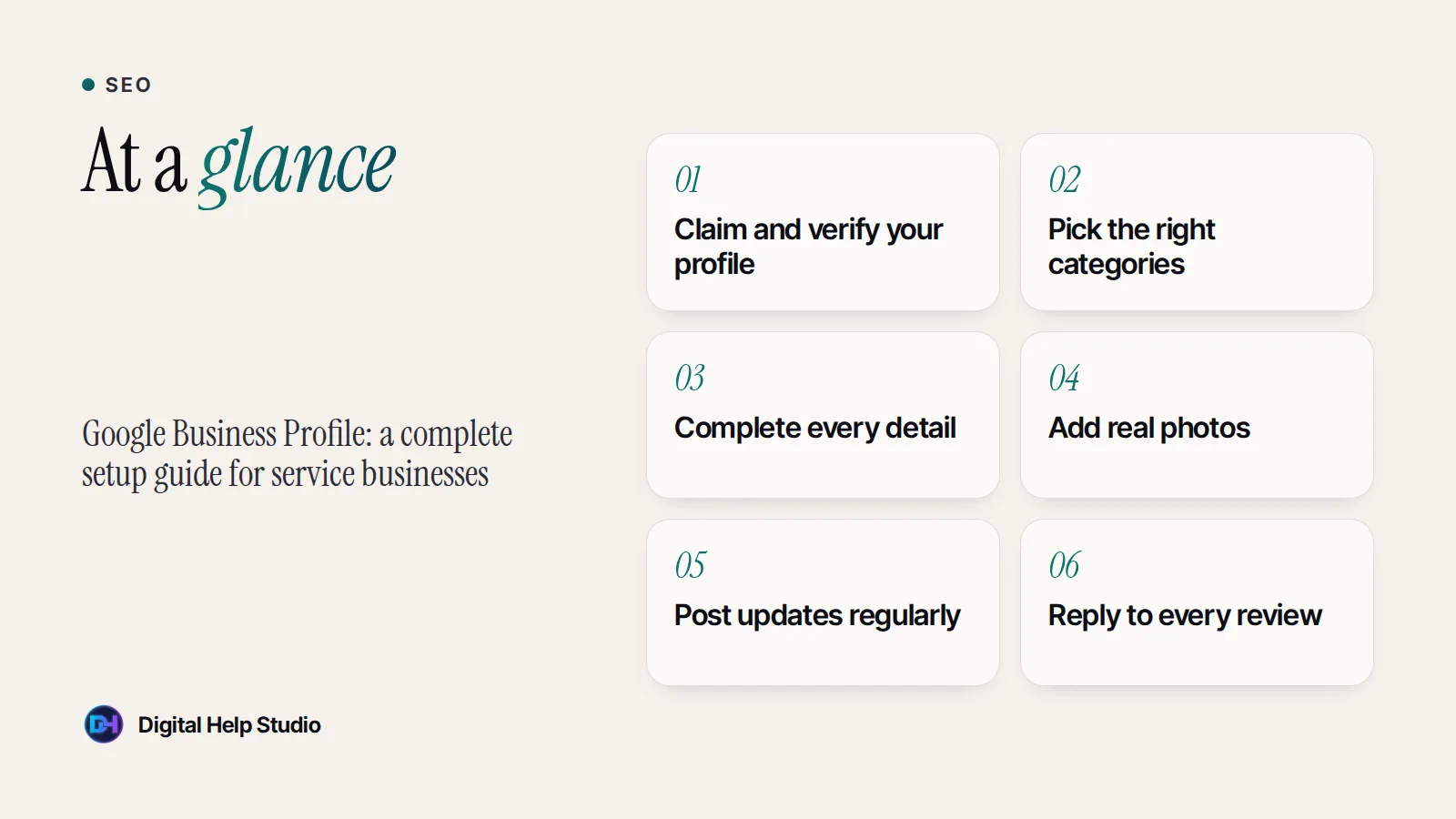
Search for your business name on Google. If a profile already exists, claim it; otherwise create a new one through Google Business Profile. Use your real business name — adding extra keywords to the name breaks Google’s guidelines and can get the profile suspended.
Google asks you to verify that you run the business. Methods vary — for example a phone call, text, email, video recording or postcard, depending on your business and location. Follow the steps Google offers you; until verification is complete, your profile may not appear fully.
Your primary category is one of the most important settings. Pick the most specific category that describes your main service, then add a few relevant secondary categories. Don’t add categories for services you don’t really offer.
Upload photos of your work, premises, products and team. Real, recent photos help people choose you. Avoid stock images and heavily edited pictures that don’t reflect reality.
You can publish short updates about offers, events, new services or recent work. Regular posts keep your profile fresh and give people more reasons to contact you.
Ask happy customers for a review with a direct link. Reply to every review politely, including critical ones — future customers read your replies too. Never buy reviews, post fake ones or pressure people. It’s against Google’s policies and, in many countries, against the law.
Your business name, address and phone number should match exactly across your profile, website and other listings. Link your profile to your website, and make sure your website clearly describes the services and areas shown on your profile.
I can set up and optimise your profile alongside my SEO services, and make sure your website supports it. Read the local SEO checklist for the bigger picture.
Google changes its features and verification options often. Always follow the latest instructions inside your profile.
On-page SEO for small business websites: structure, page titles, content, speed basics and Google Search Console setup.
See the service
Brijaditya Sharma is the founder of Digital Help Studio. After nine years in-house handling content distribution for an Indian brand, he now builds websites and runs digital marketing for small businesses worldwide. Connect on LinkedIn.
Yes. Creating and managing a profile is free.
Yes. Businesses that serve customers at their location can set a service area and hide their address.
After verification, changes often appear within days, though Google may review some edits. Ranking well among competitors takes longer.
Keep reading
Eight practical steps to help nearby customers find your business on Google and Google Maps — from your Business Profile to honest reviews.
Read article
A realistic guide to posting frequency on Instagram, Facebook, LinkedIn and YouTube for small businesses — and how to stay consistent without burning out.
Read article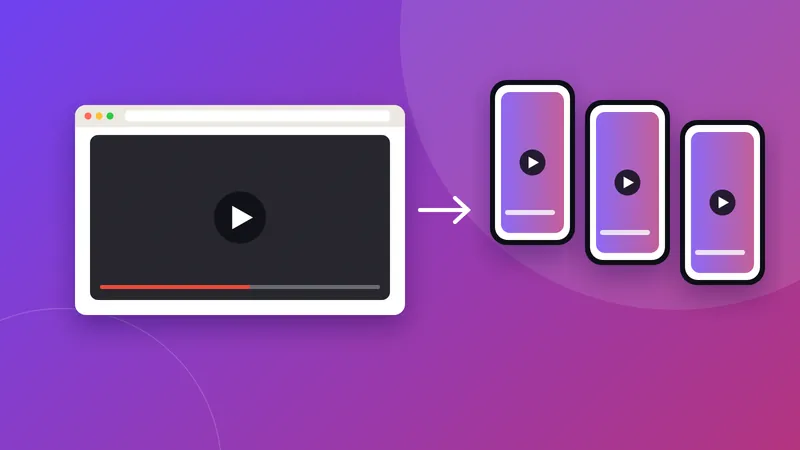
How YouTube Shorts and long-form videos differ, what each is good for, and how small businesses can use both together without doubling the work.
Read articleYour next step
Send me your business details or your Instagram link. I’ll build a free, personalised website demo — no payment, no obligation.