
YouTube Shorts vs long videos: which should your business make?
How YouTube Shorts and long-form videos differ, what each is good for, and how small businesses can use both together without doubling the work.
Read articleSocial media
There’s no magic number. The right posting schedule is the one you can keep up while still posting things worth seeing. Here’s how to find yours.
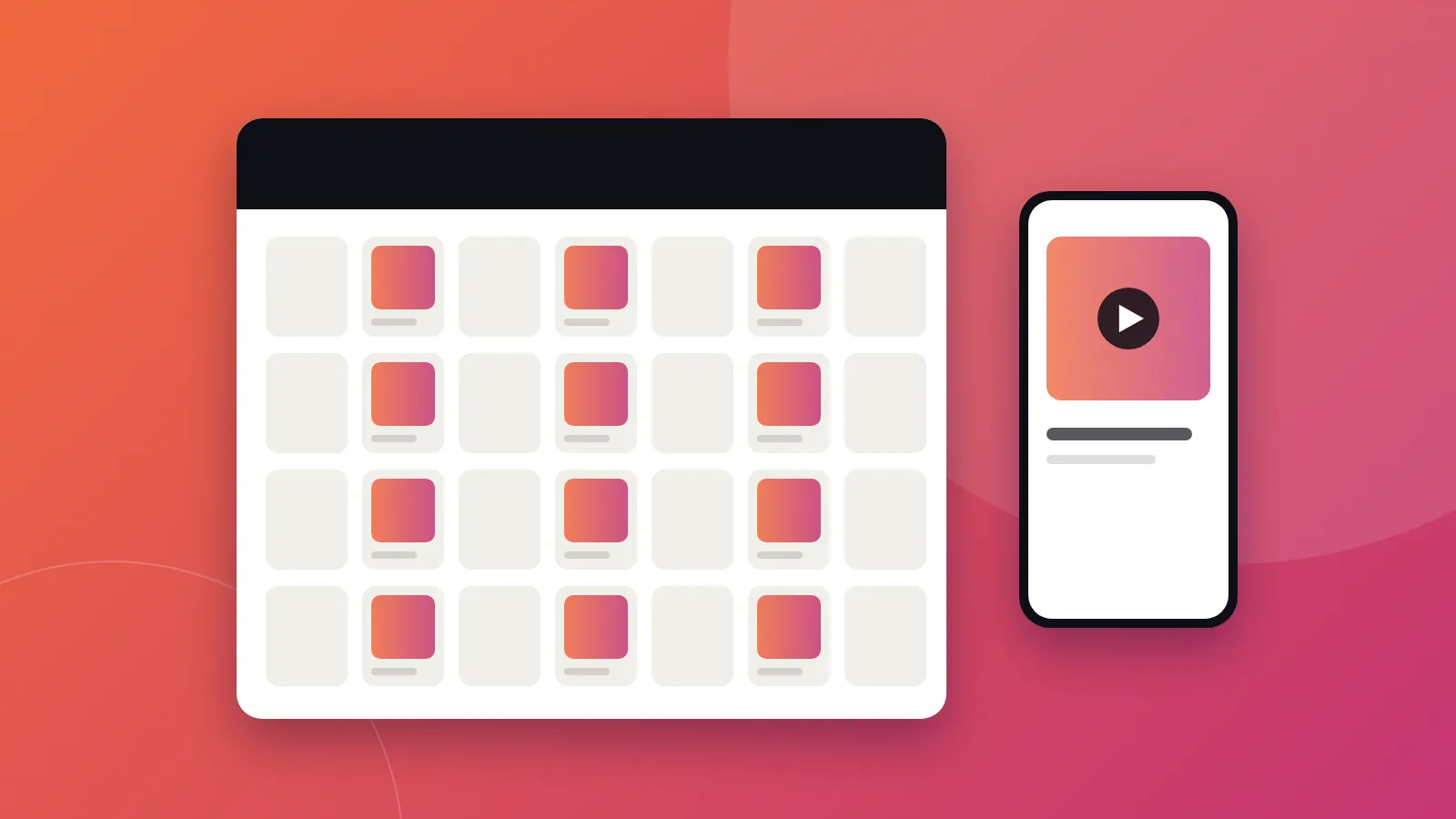
Consistency matters more than volume. Posting three good pieces every week for a year will usually do more for a small business than posting daily for a month and then disappearing. Platforms and audiences reward accounts that show up regularly with useful or interesting content.
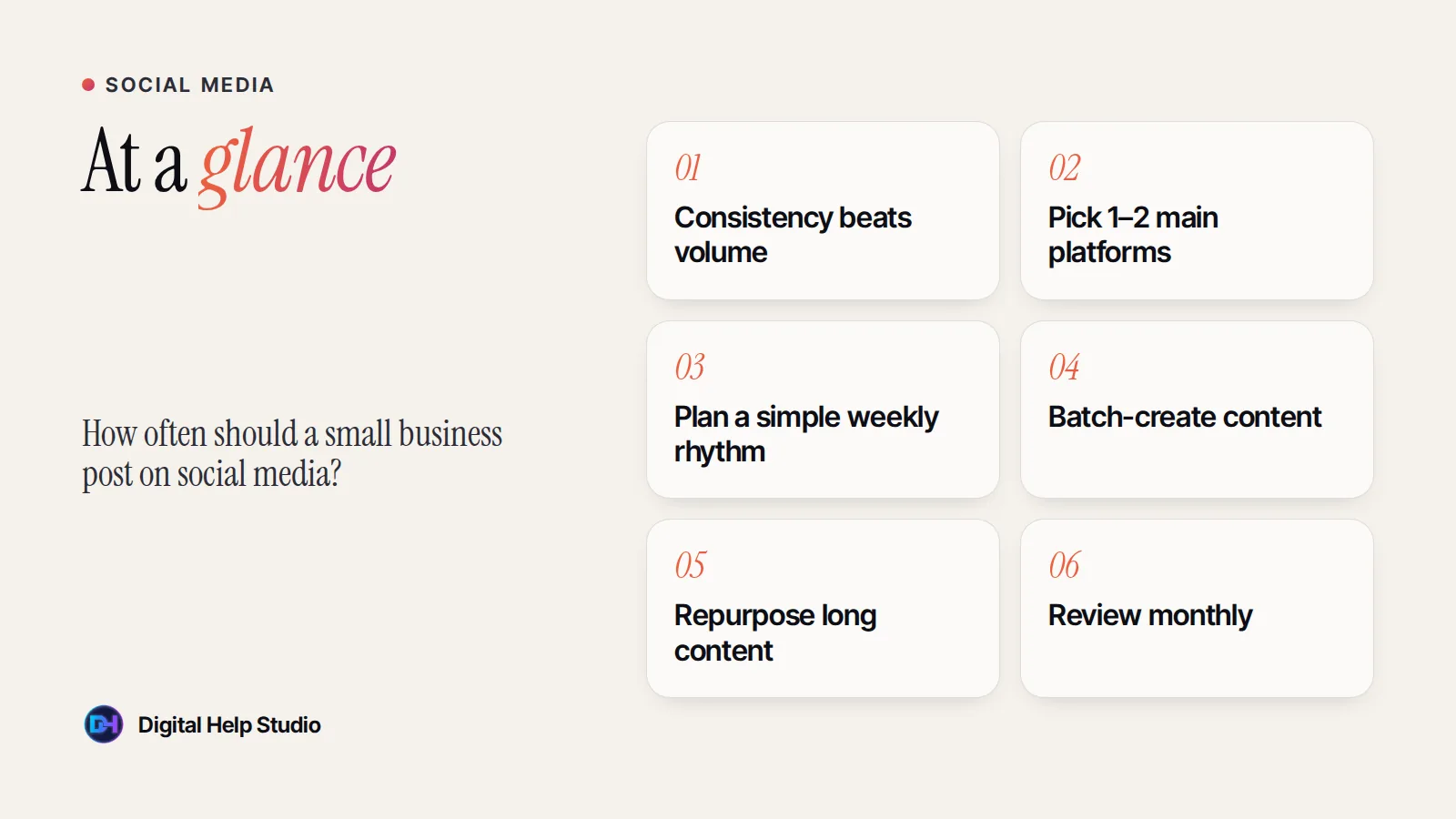
You don’t need to be everywhere. Pick one or two platforms where your customers actually spend time:
These are sensible starting points for a small business — not rules. Adjust them to your time and results.
| Platform | Starting point | Formats |
|---|---|---|
| A few posts a week, plus Stories when you can | Reels, carousels, Stories | |
| A few posts a week | Photos, short videos, events | |
| A couple of thoughtful posts a week | Text posts, documents, short video | |
| YouTube | One long video every week or two, plus Shorts | Tutorials, Shorts clipped from videos |
Choose three or four themes you’ll rotate — for example: tips, behind the scenes, customer stories (with permission) and offers. Deciding what to post becomes much easier.
Set aside one block of time each week or month to create several posts at once, then schedule them.
One long video or podcast can supply clips, quotes and carousels for weeks. See the content repurposing guide.
Meta Business Suite, LinkedIn and YouTube all let you schedule posts in advance, and third-party tools can manage several platforms together.
Once a month, look at which posts led to profile visits, website clicks, messages and enquiries — not just likes. Do more of what works.
My social media management service plans, creates and schedules your posts, and pairs well with content repurposing.
Planning, creating and scheduling your posts so your social profiles stay active, on-brand and pointing people to your website.
See the service
Brijaditya Sharma is the founder of Digital Help Studio. After nine years in-house handling content distribution for an Indian brand, he now builds websites and runs digital marketing for small businesses worldwide. Connect on LinkedIn.
No. Daily posting can help some accounts, but only if quality stays high. A steady schedule you can maintain is better.
It depends on your audience. Check your platform’s insights to see when your followers are most active, then test.
You can share the same idea, but adapt the format, length and caption to each platform.
Keep reading
How YouTube Shorts and long-form videos differ, what each is good for, and how small businesses can use both together without doubling the work.
Read article
A repeatable workflow for turning each podcast episode into captioned short-form clips — from recording tips to picking moments, editing and scheduling.
Read article
Seven common problems that quietly cost small businesses trust and enquiries — and simple fixes for each one.
Read articleYour next step
Send me your business details or your Instagram link. I’ll build a free, personalised website demo — no payment, no obligation.