
How to turn a podcast into Reels, Shorts and TikToks: a step-by-step workflow
A repeatable workflow for turning each podcast episode into captioned short-form clips — from recording tips to picking moments, editing and scheduling.
Read articleContent & video
Shorts can reach new people fast. Long videos build trust and answer real questions. Most businesses do best with a simple mix of both.
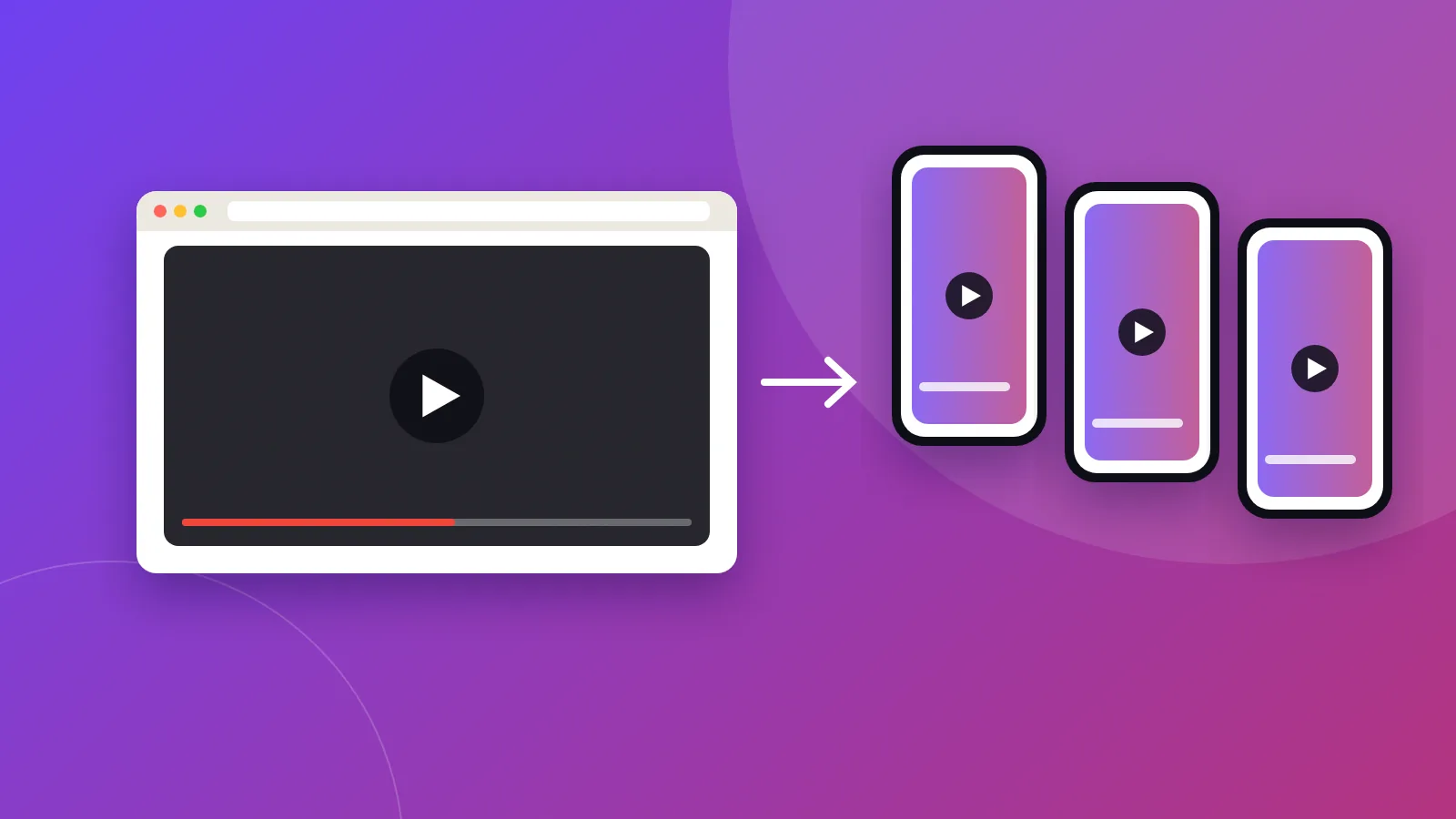
Shorts are vertical videos of up to a few minutes, shown in a swipeable feed. They are built for discovery: people who have never heard of you may see them. Long videos are traditional YouTube videos. People often find them through search and suggested videos, and they give you time to explain, demonstrate and build trust.
The trade-off: viewers swipe quickly, and a Short alone rarely explains enough for someone to hire you.
The trade-off: they take more planning, recording and editing.
This way, Shorts bring new people in, the long video builds trust, and your website turns interest into enquiries.
For Shorts, watch how many people keep watching and how many visit your channel. For long videos, look at average view duration, click-through rate on thumbnails and clicks to your website. YouTube Studio shows all of these.
I offer YouTube channel management and content repurposing — turning your long videos into Shorts and clips for other platforms.
Hands-on help running your channel: uploads, titles, descriptions, thumbnails, playlists and Shorts.
See the service
Brijaditya Sharma is the founder of Digital Help Studio. After nine years in-house handling content distribution for an Indian brand, he now builds websites and runs digital marketing for small businesses worldwide. Connect on LinkedIn.
They can, by bringing new viewers to your channel. Link them to related long videos to guide people deeper.
You can reuse your own videos, but remove other platforms’ watermarks and adapt captions for YouTube.
As long as it takes to answer the topic well. Cut anything that doesn’t help the viewer.
Keep reading
A repeatable workflow for turning each podcast episode into captioned short-form clips — from recording tips to picking moments, editing and scheduling.
Read article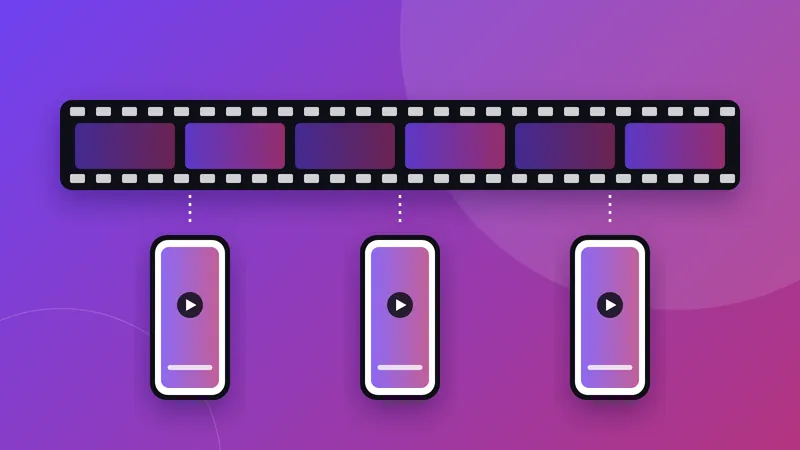
A practical, step-by-step guide to turning podcasts, webinars and long videos into short clips for Reels, Shorts, TikTok and LinkedIn.
Read article
How AI digital twins work, where they help small businesses, where they don’t belong, and how to disclose AI video honestly.
Read articleYour next step
Send me your business details or your Instagram link. I’ll build a free, personalised website demo — no payment, no obligation.